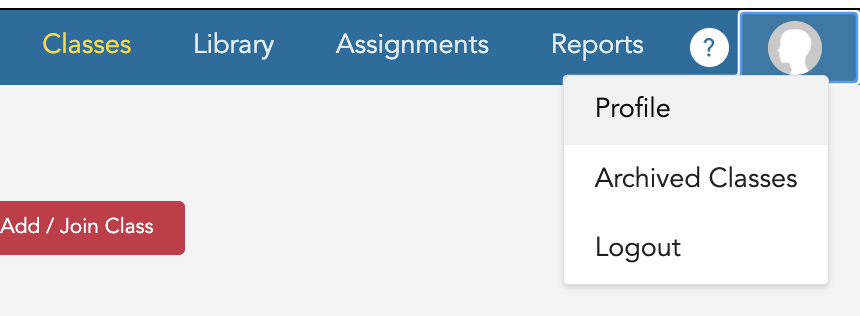
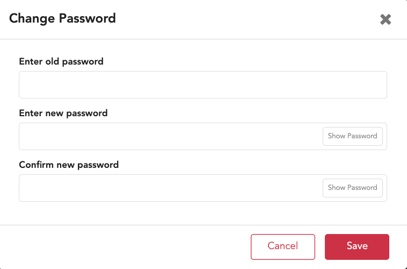
How to Change Your Password If you do not use an SSO (ClassLink, Clever, EdLink) to log into Gallopade, you can change your password at any time. To change your password, log into your account and select Profile from the upper right. Select: Change Password Then enter the current/old password, enter new password, confirm new password, and Save.
![GallopadeLogo_BWC_web2.png]](https://support.gallopade.com/hs-fs/hubfs/GallopadeLogo_BWC_web2.png?height=40&name=GallopadeLogo_BWC_web2.png)